
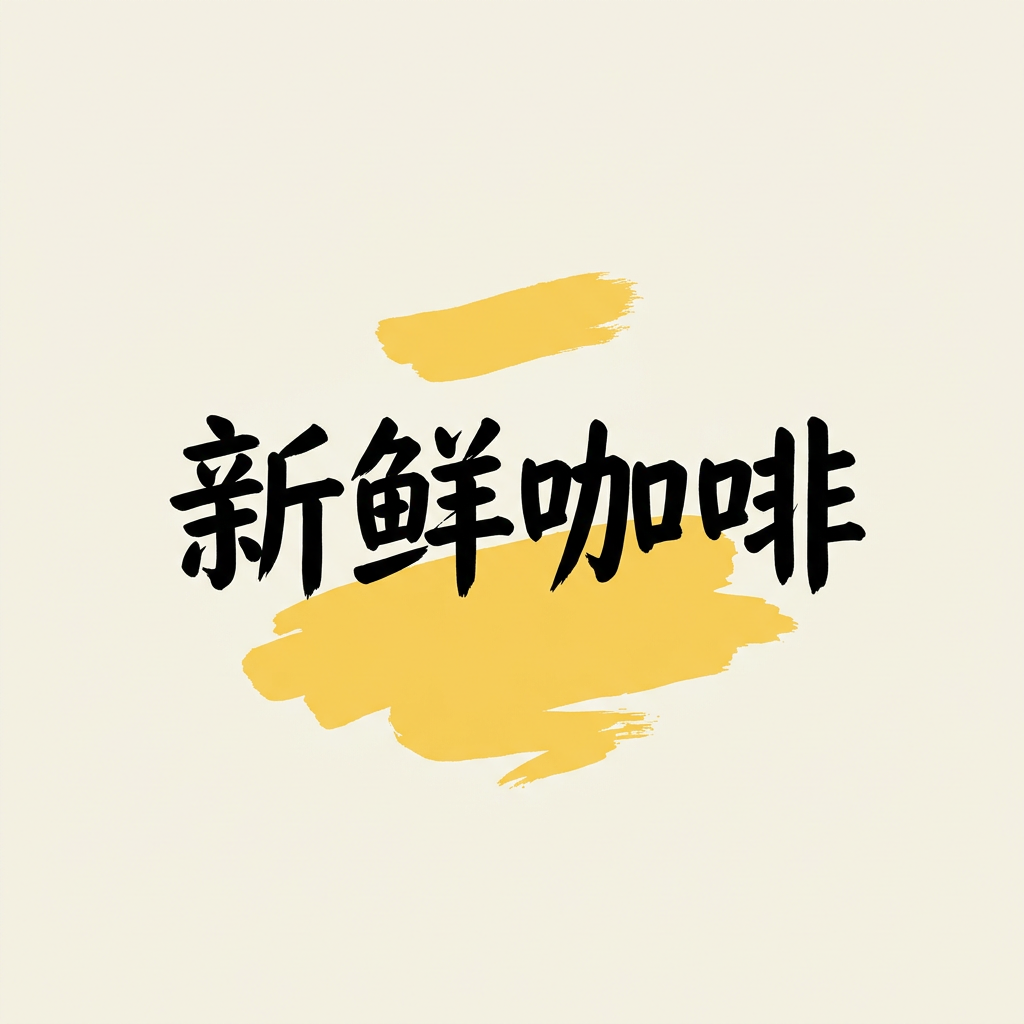
Short Chinese headline
NB-05 · Nano Banana 2.1 · 8 credits
1:1 · 1K · 1024 × 1024 · 2026-10-13
Turn an idea into an image. Write a prompt, bring your references, and choose the Nano Banana model that fits. Keep faces, products and the words in your picture in focus.
Start generatingPick an example to prepare the prompt and settings, or write your own brief on the left.
Illustrative examples, not your generation history. Selecting an example does not spend credits.
Operator tests, not independent reviews. These original outputs were not retouched. Text and product details still need review; costs count requests, not guaranteed usable artwork.
NB-05 · Nano Banana 2.1 · 8 credits
1:1 · 1K · 1024 × 1024 · 2026-10-13
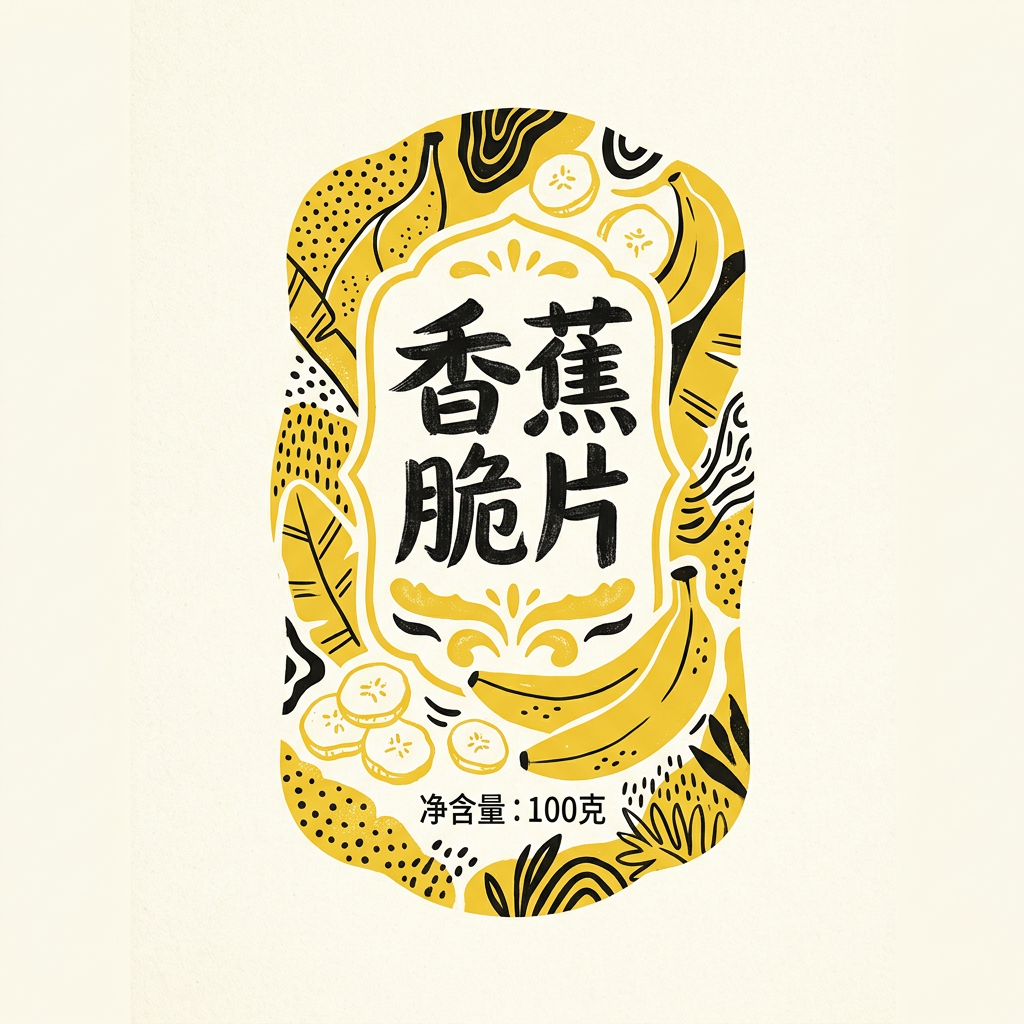
NB-07 · Nano Banana 2.1 · 8 credits
1:1 · 1K · 1024 × 1024 · 2026-10-13
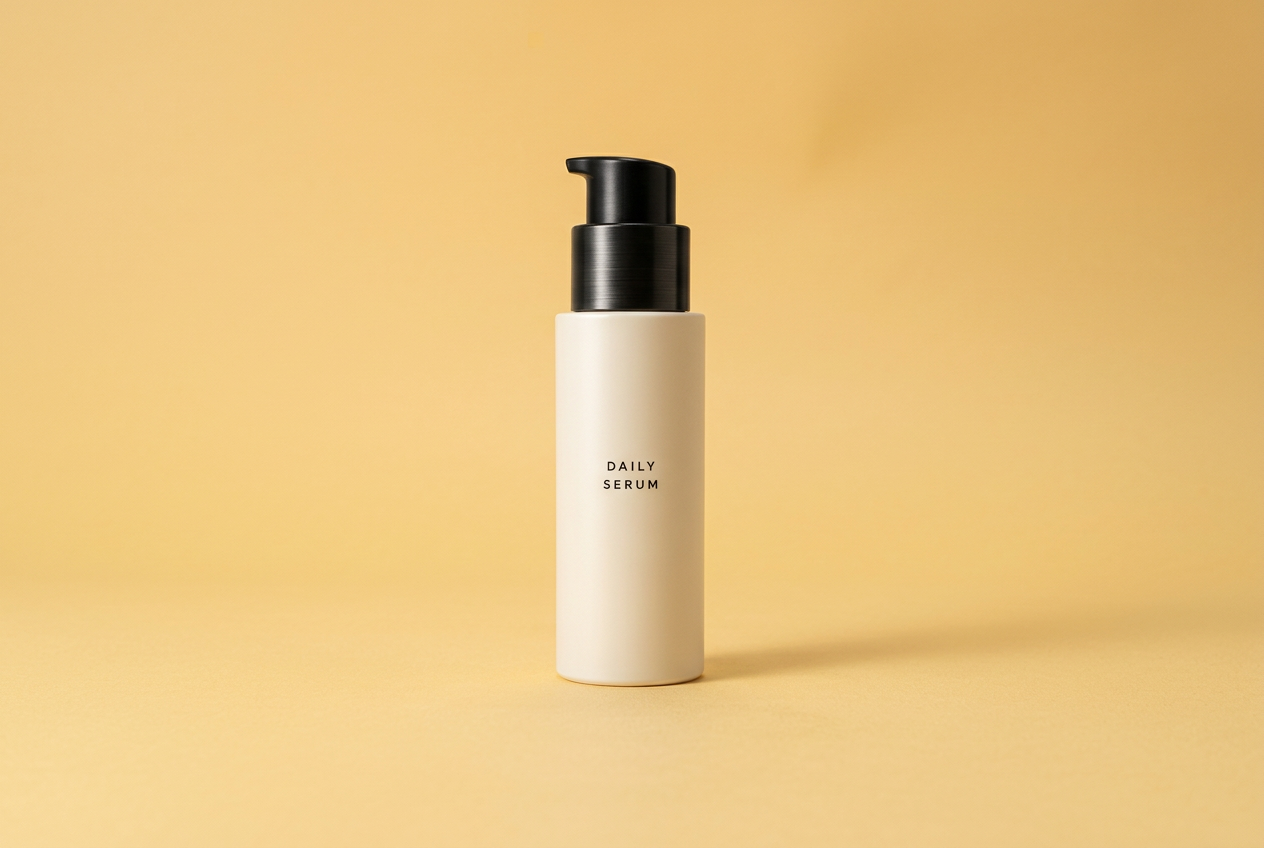
NB-16 · Nano Banana 2.1 · 8 credits
3:2 · 1K · 1264 × 848 · 2026-10-13
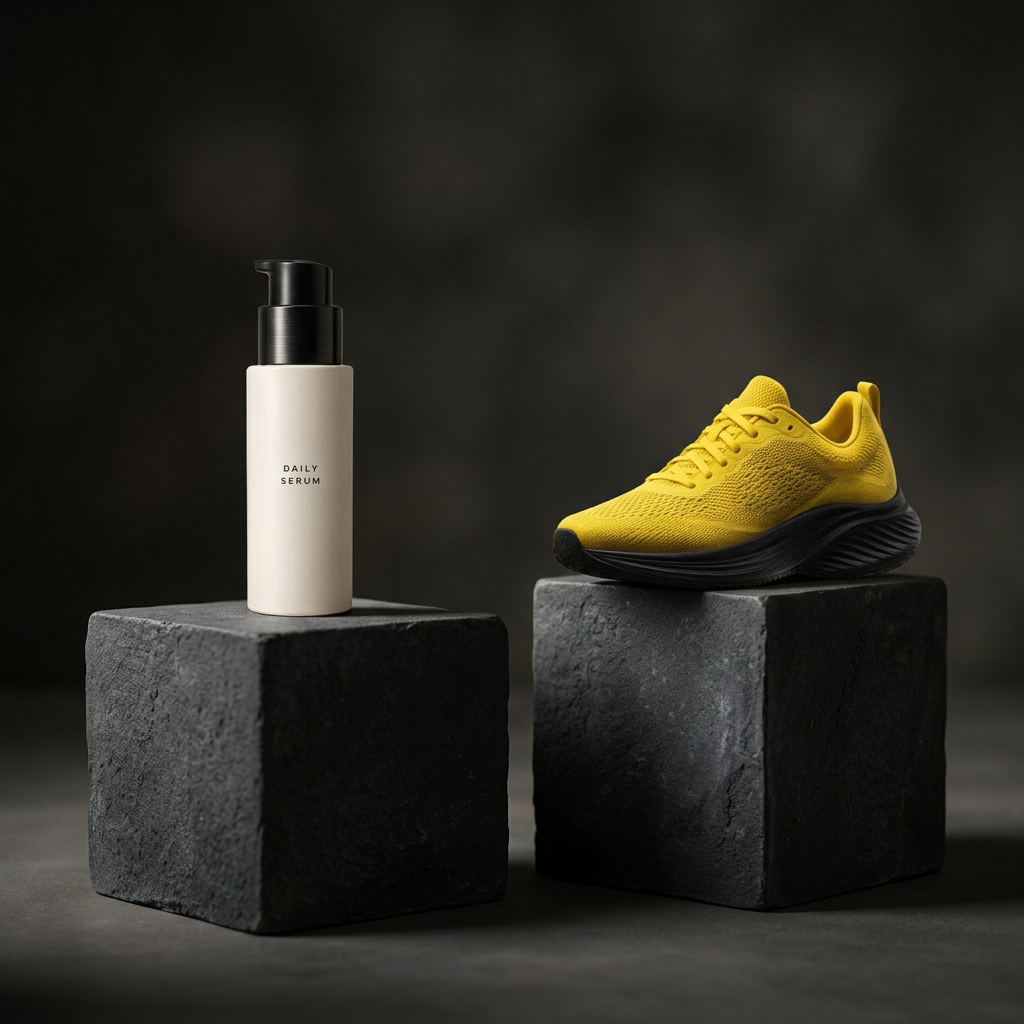
NB-17 · Nano Banana 2.1 · 8 credits
1:1 · 1K · 1024 × 1024 · 2026-10-13
Nano Banana 2.1 creates and edits images from text and references. Write a prompt, upload references for an edit, and choose Nano Banana 2.1, 2, Pro or Lite. The workbench shows the credit cost before every request.
Open the generatorWhat it does
What each one lets you do, with an example.
Start with reference images of the person, pet or product you want to keep recognisable. Describe what should change and what should stay: the face, the outfit, the colour or the shape. Prepare your references in the editor, then check the selected model’s availability before generating.
Add reference images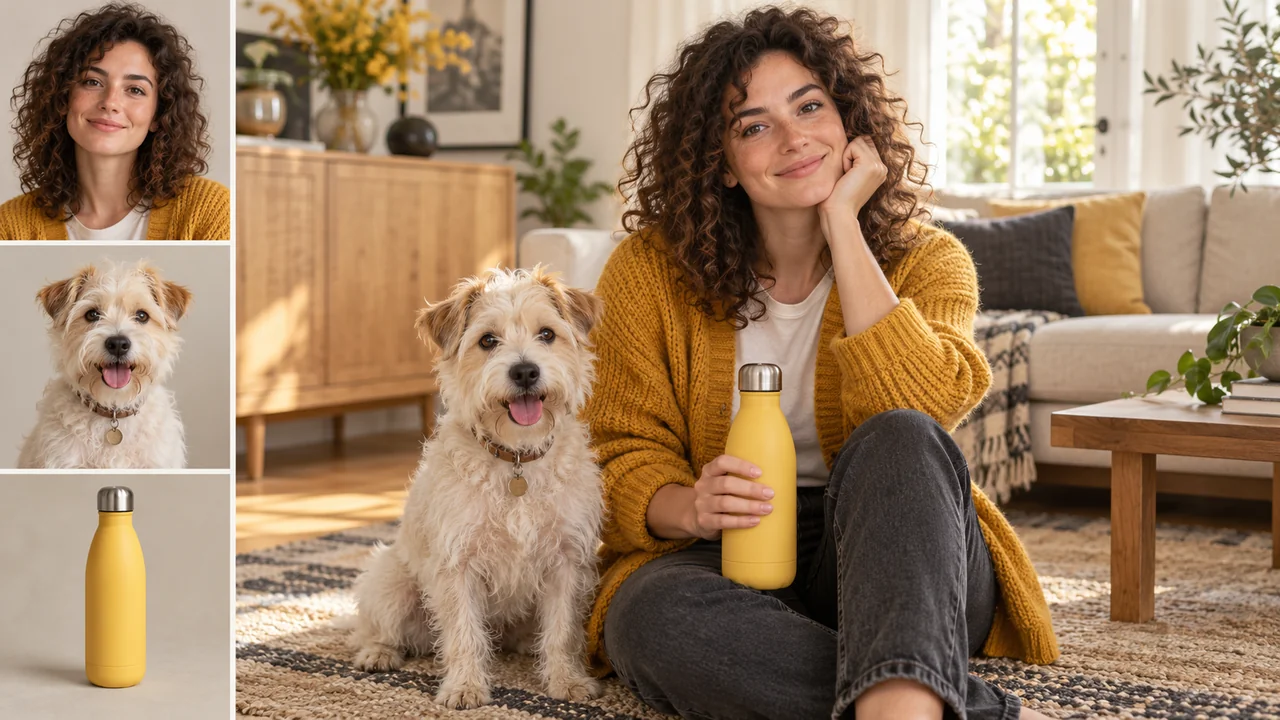
A cafe poster, product label or invitation needs more than a nice picture. Put the exact headline in quotes, describe the lettering and leave space around it. Start with a focused poster prompt, then check every word in the finished image before you publish or print it.
Write a poster prompt
Choose a square, portrait or landscape composition for your image. Available ratios and resolutions, including 4K, depend on the selected model. Review your output settings before generating.
Pick an aspect ratio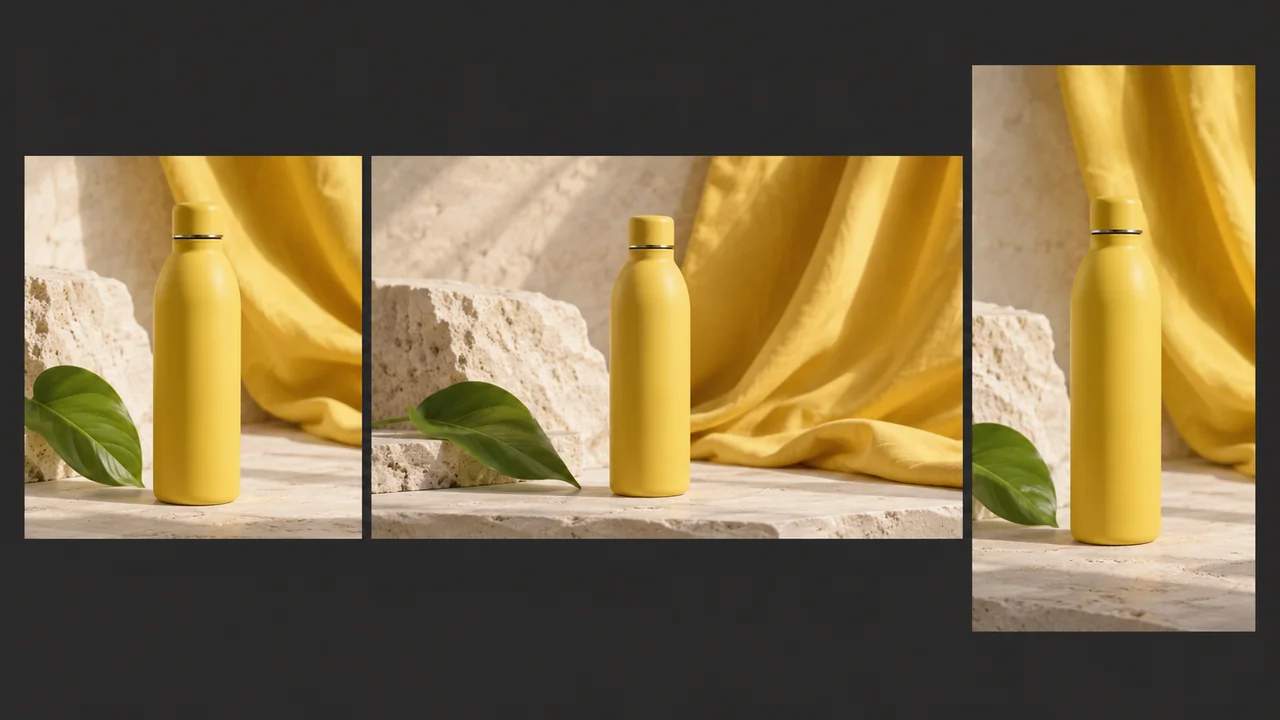
Describe the idea, add references, choose your settings, and review the result.
Start with the subject, then add the setting, lighting and style. Put exact words in quotes and say where they belong.
Switch to Image to image and choose your photos. Name each reference in the prompt so the model knows what to preserve.
Choose 2.1, 2, Pro or Lite. Pick an available aspect ratio and check the model’s status and credit quote before running.
Inspect the finished image beside your prompt. Check faces, product details and spelling, then download or continue editing.
Four models in one menu. Pick for the task, and check availability before you generate.
| Best for | Default Nano Banana 2.1 The newest Nano Banana update | Nano Banana 2 A balanced creative workflow | Nano Banana Pro Detail-focused professional work | Nano Banana 2 Lite A lightweight draft workflow |
|---|---|---|---|---|
| Best for | Creating and editing with text and references | Everyday generation and reference editing | Product details and complex visual briefs | Quick concepts and early iterations |
| Reference limit | 14 | 14 | 14 | 1 |
| Credits per image | 8 | 6 | 15 | 3 |
| Resolution | 1K / 2K / 4K | Provider default | Provider default | Provider default |
Understand what changed, where references matter, and how to compare both models using the same prompt. A practical guide without invented benchmark results.
Read the comparisonOne focused workflow for creating an image and refining a reference.
Name the subject first. Add composition, lighting and style, then leave room for the model to build the scene.
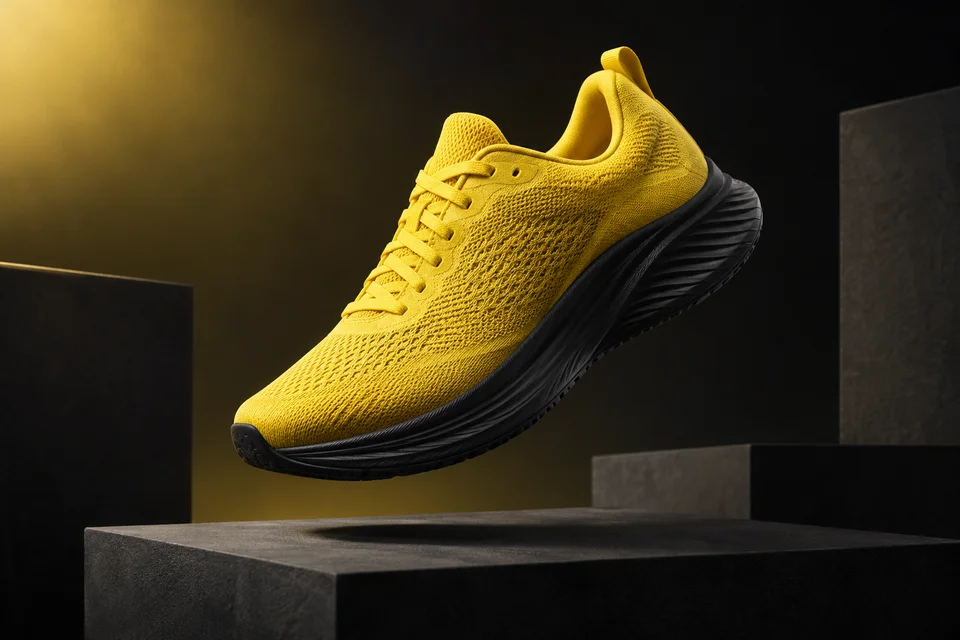
Upload a photo and describe the change. Be specific about the details that must stay the same.
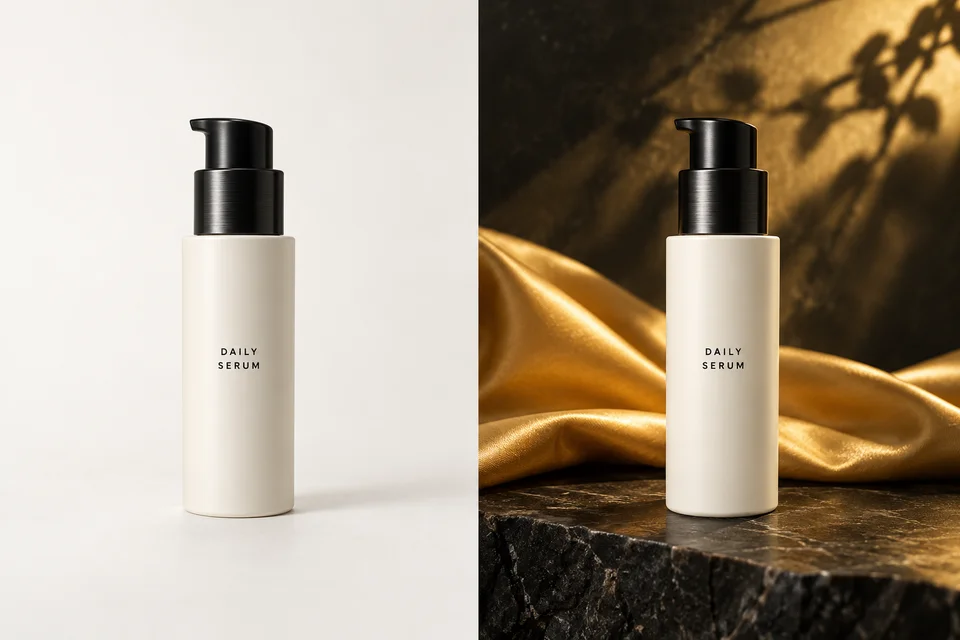
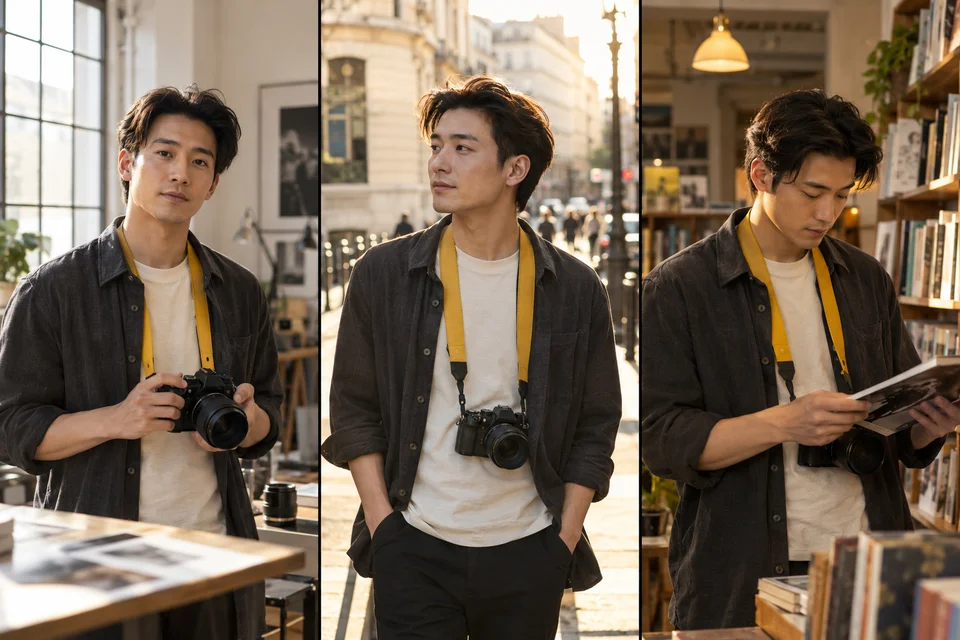
Reuse the same reference and describe the face, outfit and proportions you want to preserve in each scene.
Quote headlines and labels, describe where they go, then proofread the generated spelling and alignment.
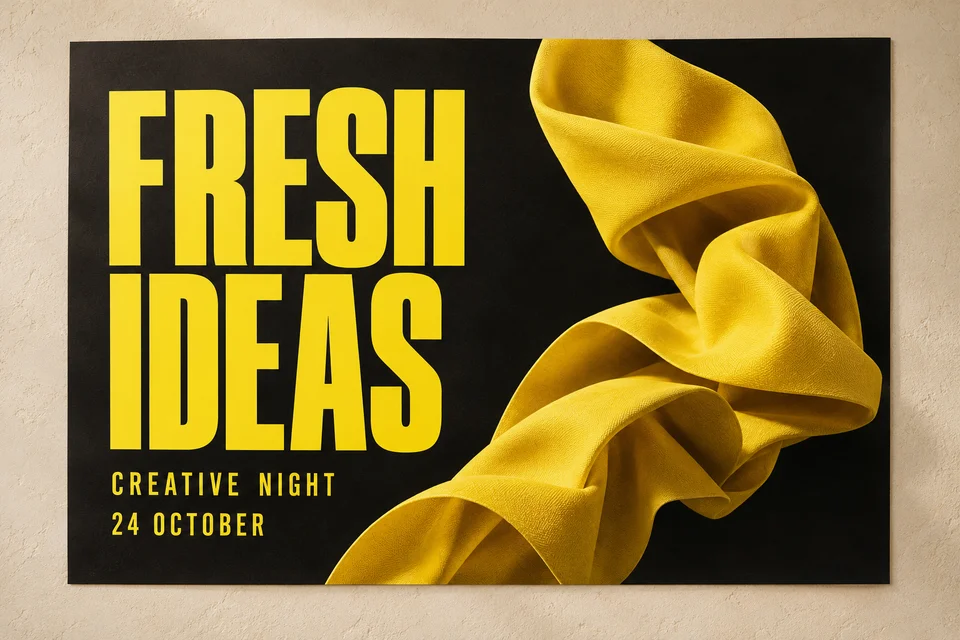
Illustrative examples. Review generated results before use; these are not model benchmarks.
Product scenes, consistent characters, localized packaging and social images.
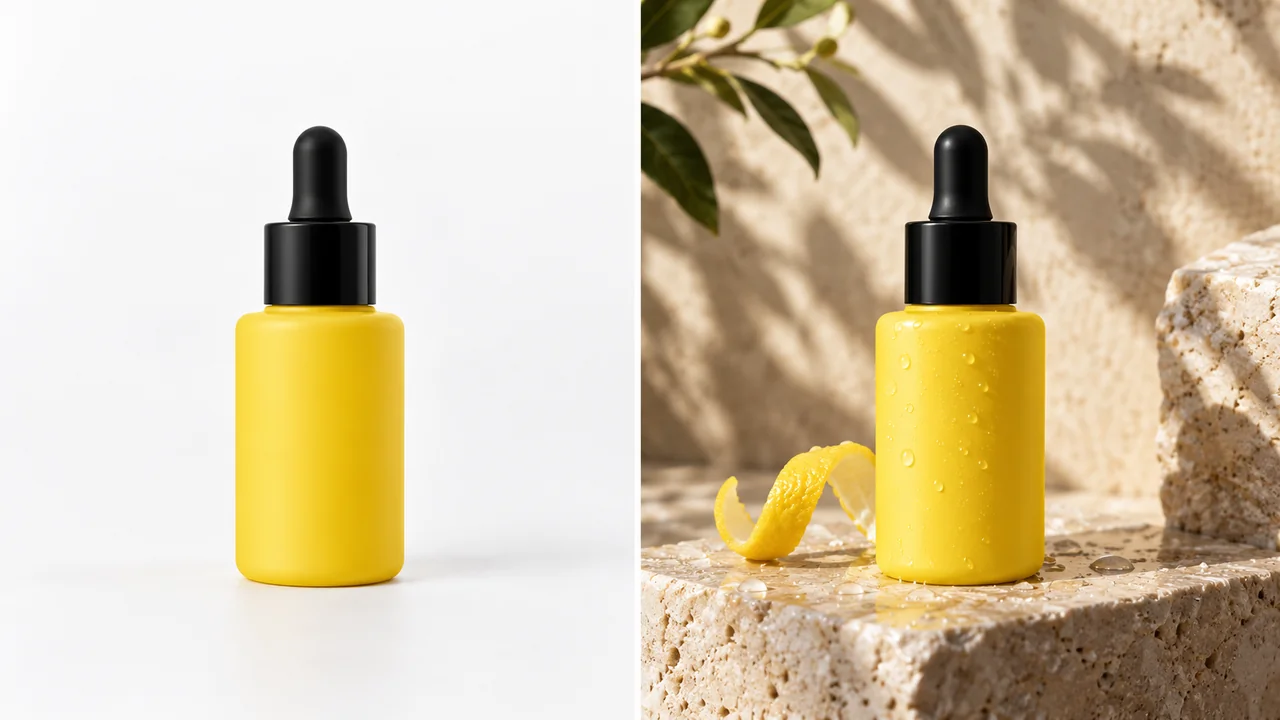
Build a product brief around the real object. Use references for shape, label and color, then describe the surface and props.
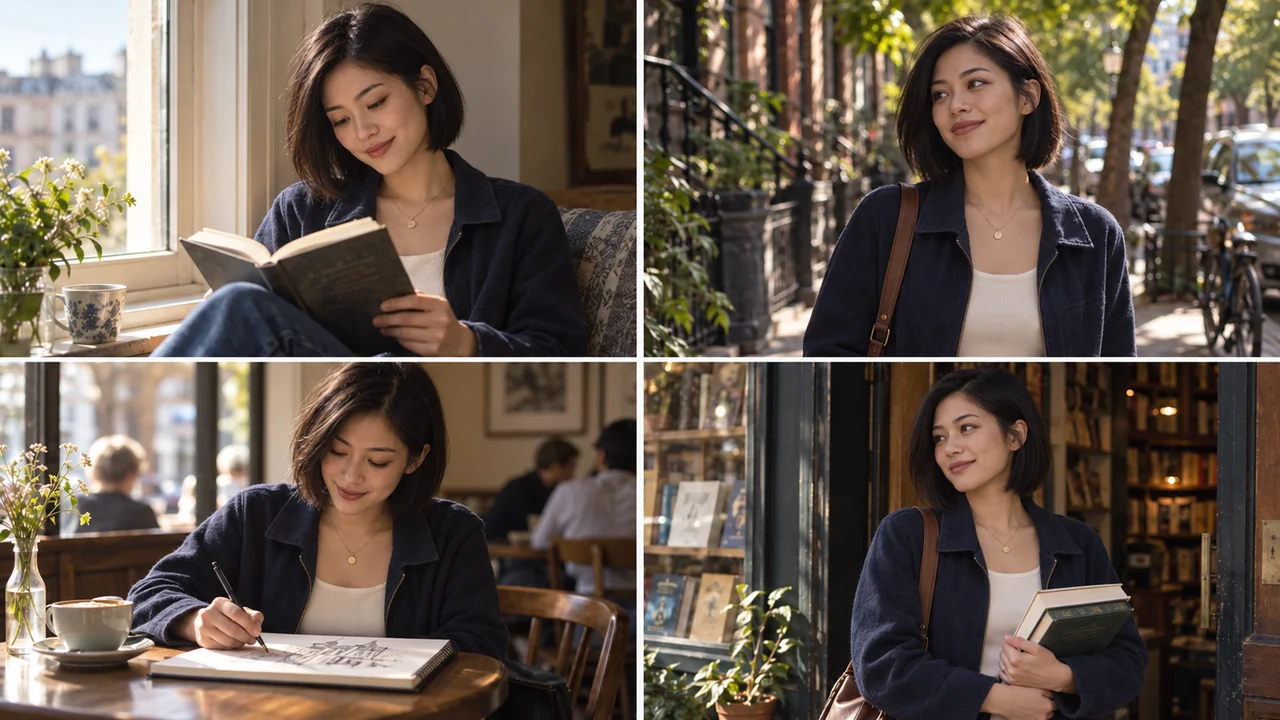
Reuse a character reference across a series. Change the action and setting while checking the face and outfit each time.
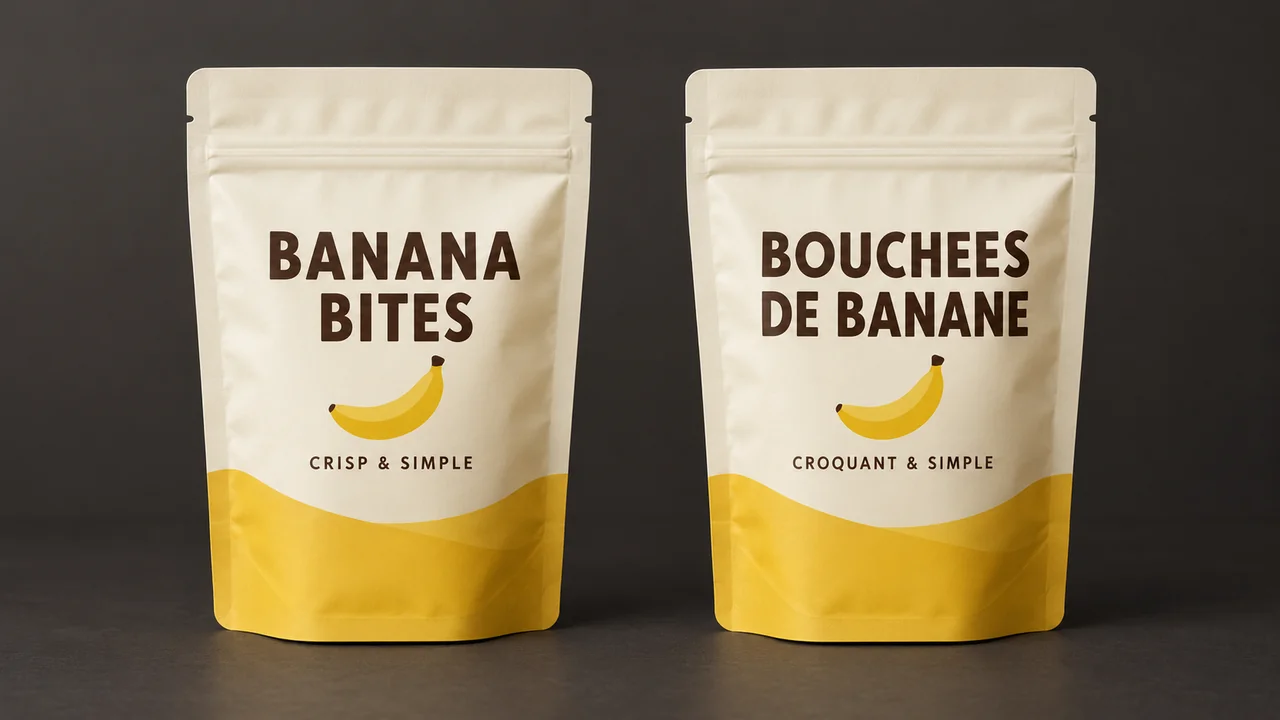
Provide the original packaging and translated copy. Ask for the same layout, then manually verify every translated label.
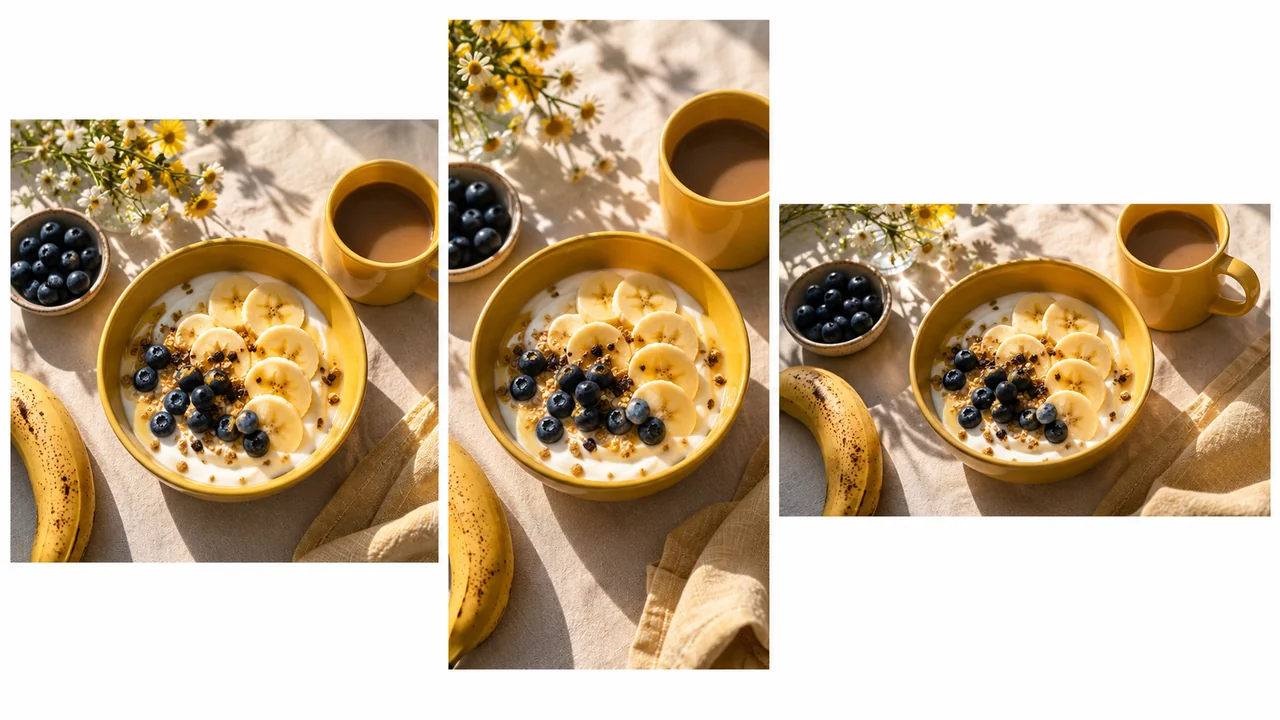
Prepare a square post, a portrait story or a wide cover. Keep the subject and important text away from crop edges.
Illustrative examples. Review generated results before use; these are not model benchmarks.
Choose a monthly plan or one-time credit pack. Pay securely with Stripe and use your credits in the generator.
Estimates use the current single-image quote and count requests, not guaranteed usable artwork. Edits and retries consume credits; review the quote before submitting. Signup and daily rewards, including expiry, are shown in your account. Refund Policy · Manage or cancel renewal
This workspace is configured for Nano Banana 2.1 text-to-image and reference editing. Check live availability in the generator, sign in and review the quote. A single 1K request uses 8 credits; completed images are saved to your account.
Prompt preparation is free. Generation uses the credits shown before submission. Check your account for available signup or daily rewards; unlimited free generation is not included.
No. They are separate model choices. Compare the same task, references, supported settings and actual quote before selecting one.
Provide the exact wording in quotation marks, specify its location and keep the number of text blocks small. Inspect every letter at the final size; use editable manual text for critical labels.
Use the workflow for conceptual schematics and explanatory illustrations. Create measured charts from your real data, then have a subject expert review relationships, labels and the final caption.
That date is not announced for gemini-3.1-flash-image in the official table reviewed on October 10, 2026. Check the linked lifecycle documentation before planning a forced switch.
Write a clear prompt, add the references that matter, and choose a model for your next image.
Start generating