Nano Banana 2.1 · Nano Banana 2, Pro and Lite in one workspace

Nano Banana 2.1 AI Image Generator

Turn an idea into an image. Write a prompt, bring your references, and choose the Nano Banana model that fits. Keep faces, products and the words in your picture in focus.

Start generating
Model
Aspect ratio
Resolution

Credits shown per image. Your total updates with the output count.

Number of outputs
Cost
Not available

Checking model availability…

Prompt tools

Prompt and settings are saved for this tab when browser storage is available.

Start with a usable brief

Original recipes. Adapt the details and check the model name before generating.

Production preview

Checking model availability…
Original examples

Start with an idea

Pick an example to prepare the prompt and settings, or write your own brief on the left.

Illustrative examples, not your generation history. Selecting an example does not spend credits.

Prompt inspiration

Watch the collection move from right to left. Hover or focus any image to pause and take a closer look.

Browse prompt library
  • Product images
  • Characters
  • Social covers
  • Posters
  • Scientific diagrams
  • Logo concepts

What is Nano Banana 2.1?

Nano Banana 2.1 creates and edits images from text and references. Write a prompt, upload references for an edit, and choose Nano Banana 2.1, 2, Pro or Lite. The workbench shows the credit cost before every request.

Open the generator

What it does

Three things Nano Banana 2.1 does well

What each one lets you do, with an example.

Up to 14 references, one finished picture

Start with reference images of the person, pet or product you want to keep recognisable. Describe what should change and what should stay: the face, the outfit, the colour or the shape. Prepare your references in the editor, then check the selected model’s availability before generating.

Add reference images
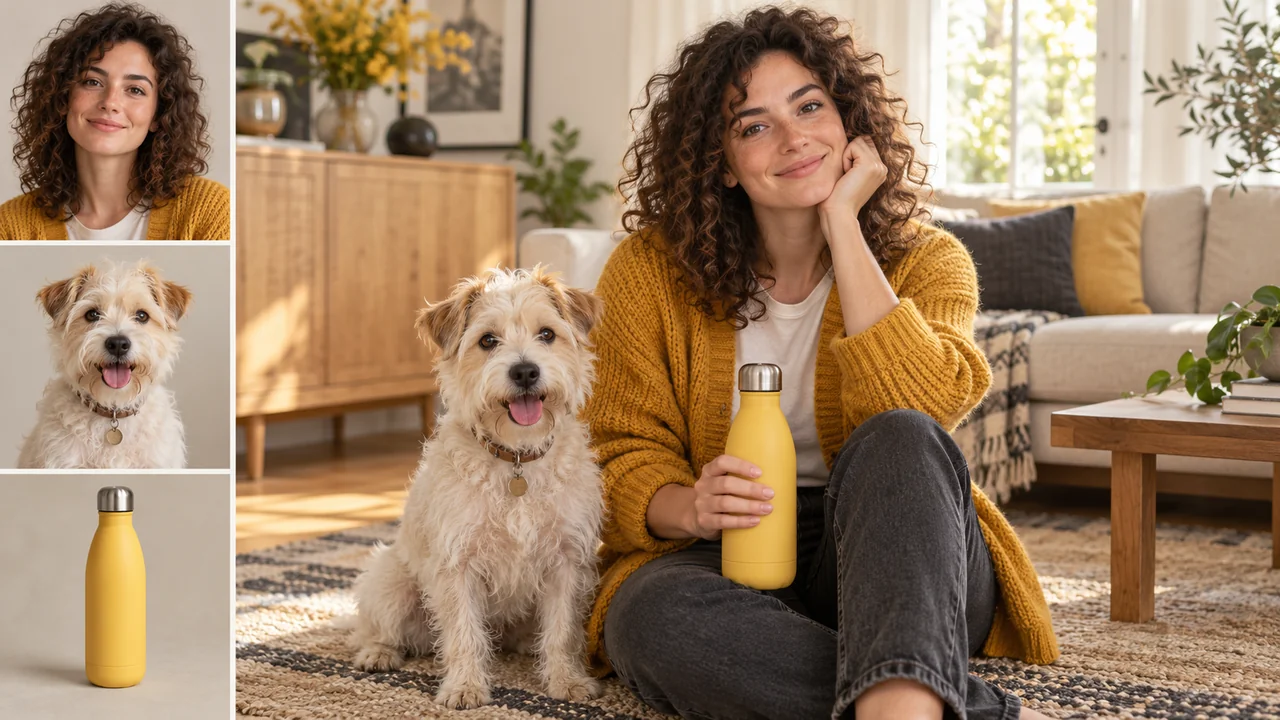
Original reference montage of a curly-haired woman, a cream terrier and a yellow bottle composed into a sunny living-room photograph

Text you can read inside the image

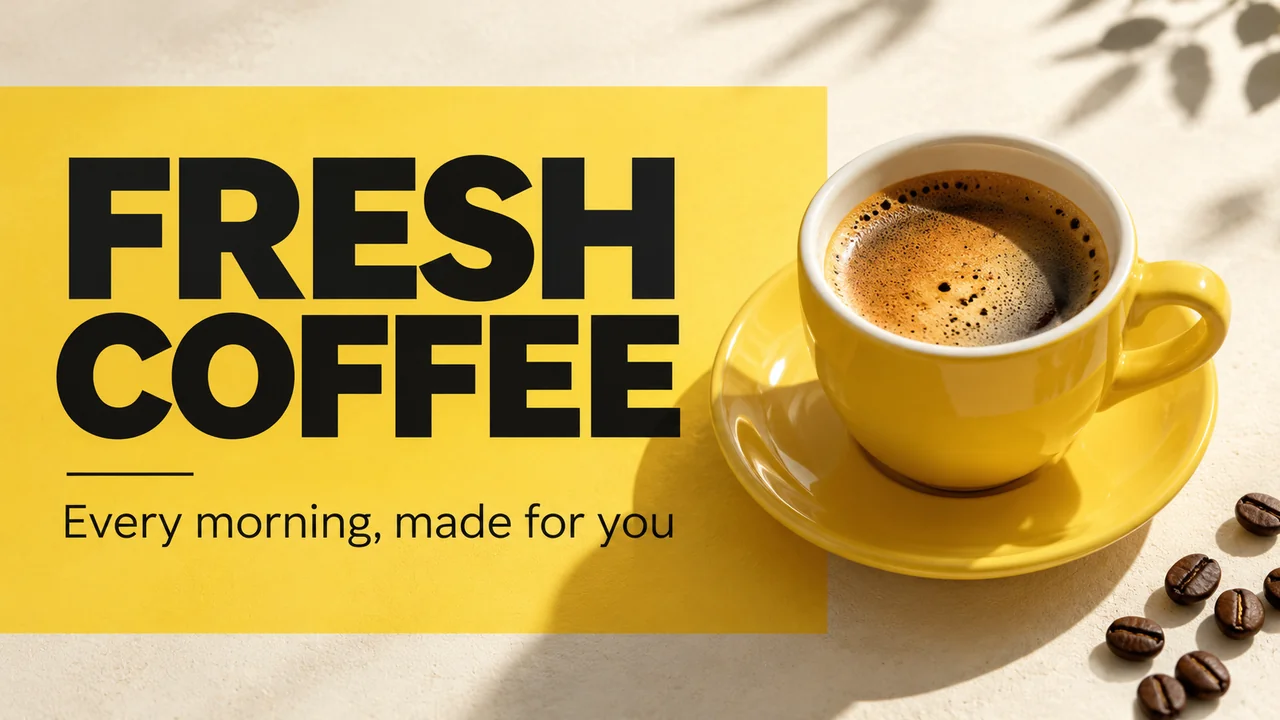
A cafe poster, product label or invitation needs more than a nice picture. Put the exact headline in quotes, describe the lettering and leave space around it. Start with a focused poster prompt, then check every word in the finished image before you publish or print it.

Write a poster prompt
Original yellow and ivory FRESH COFFEE poster with readable black lettering and a yellow espresso cup

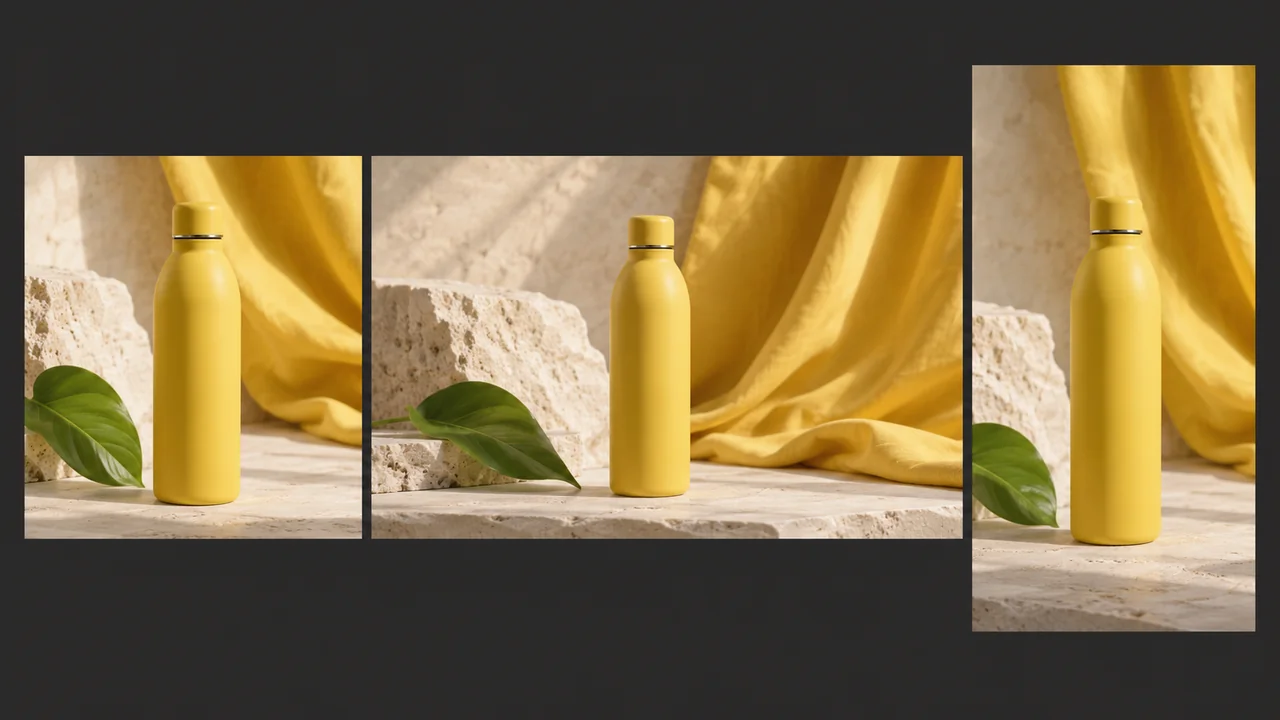
Any shape, up to 4K

Choose a square, portrait or landscape composition for your image. Available ratios and resolutions, including 4K, depend on the selected model. Review your output settings before generating.

Pick an aspect ratio
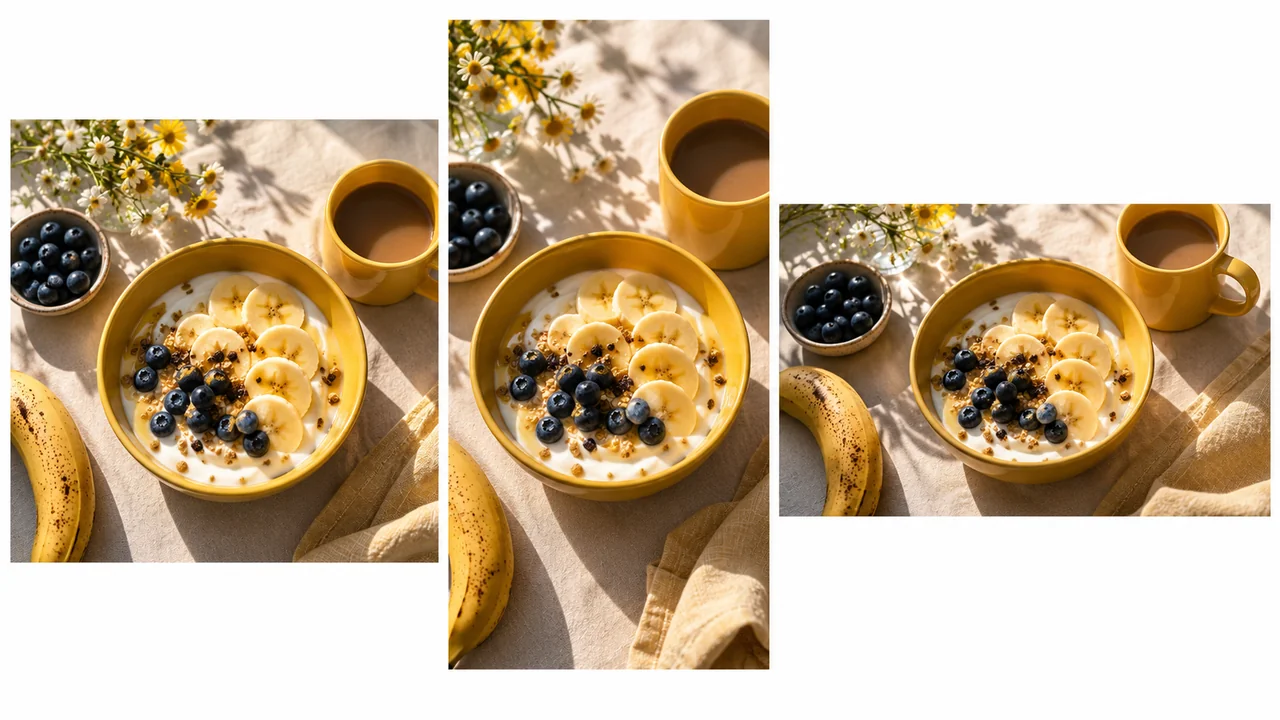
Original yellow bottle photograph composed in square, landscape and portrait formats

How to make an image with the Nano Banana 2.1 generator

Describe the idea, add references, choose your settings, and review the result.

  1. 01

    Describe the image

    Start with the subject, then add the setting, lighting and style. Put exact words in quotes and say where they belong.

  2. 02

    Bring your references

    Switch to Image to image and choose your photos. Name each reference in the prompt so the model knows what to preserve.

  3. 03

    Choose a model and shape

    Choose 2.1, 2, Pro or Lite. Pick an available aspect ratio and check the model’s status and credit quote before running.

  4. 04

    Review and download

    Inspect the finished image beside your prompt. Check faces, product details and spelling, then download or continue editing.

Which Nano Banana model should you pick?

Four models in one menu. Pick for the task, and check availability before you generate.

Best for
Default
Nano Banana 2.1

The newest Nano Banana update

Nano Banana 2

A balanced creative workflow

Nano Banana Pro

Detail-focused professional work

Nano Banana 2 Lite

A lightweight draft workflow

Best forCreating and editing with text and referencesEveryday generation and reference editingProduct details and complex visual briefsQuick concepts and early iterations
Reference limit1414141
Credits per image86153
Resolution1K / 2K / 4KProvider defaultProvider defaultProvider default

Nano Banana 2.1 vs Nano Banana 2

Understand what changed, where references matter, and how to compare both models using the same prompt. A practical guide without invented benchmark results.

Read the comparison

Start with words, a photo, or both

One focused workflow for creating an image and refining a reference.

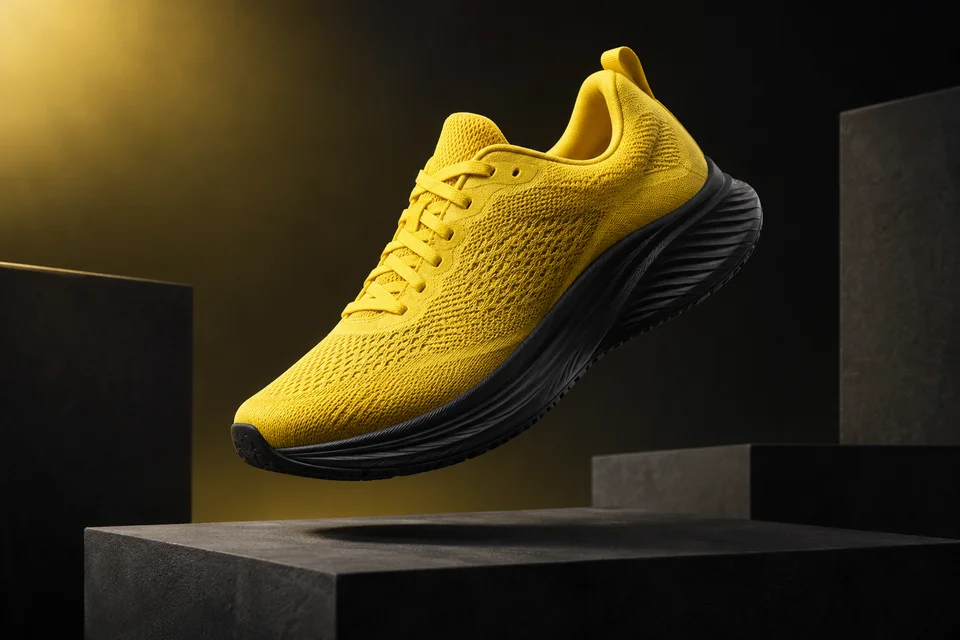
  • Text to image

    Name the subject first. Add composition, lighting and style, then leave room for the model to build the scene.

    Yellow running shoe floating above charcoal pedestals in a studio campaign photograph
    Original examples
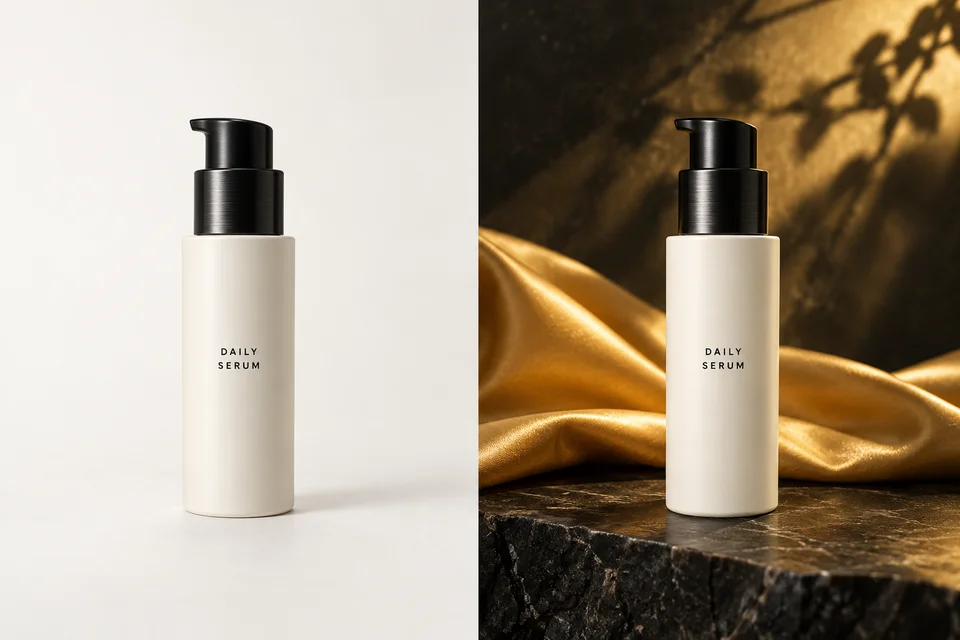
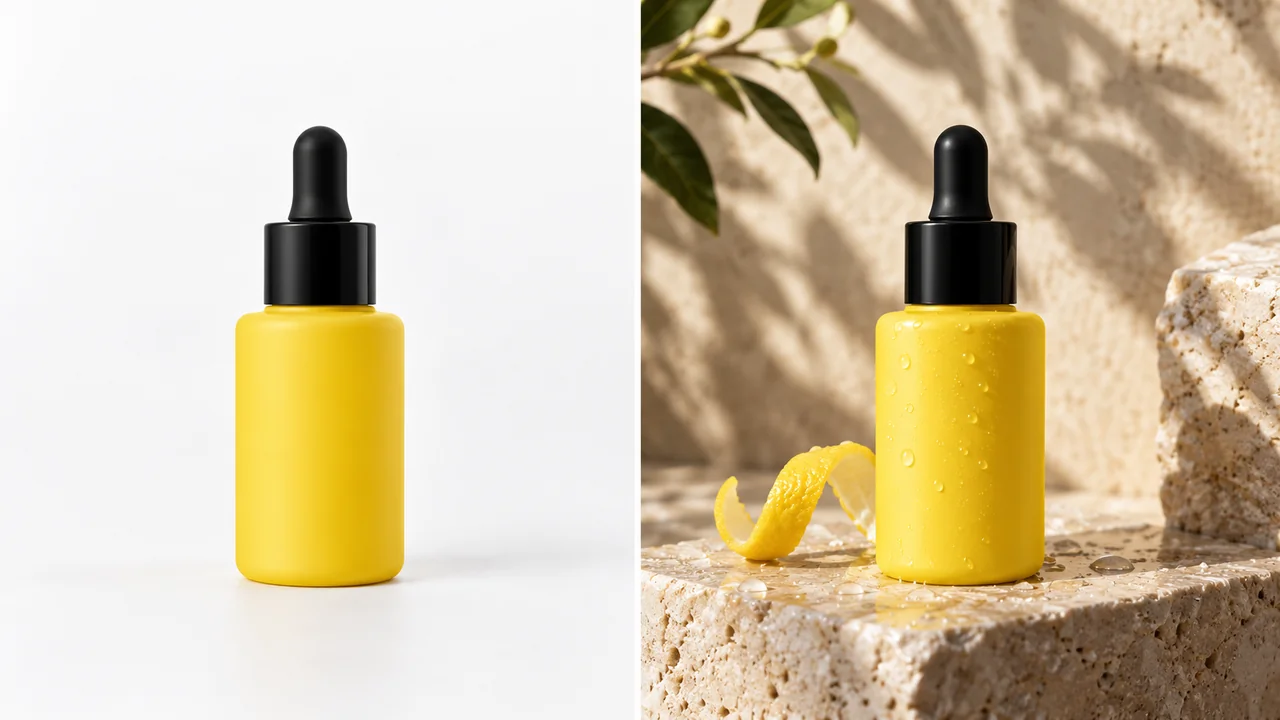
  • Edit a reference

    Upload a photo and describe the change. Be specific about the details that must stay the same.

    Ivory serum bottle on a plain backdrop and the same product in a golden satin scene
    Original examples
    BeforeAfter
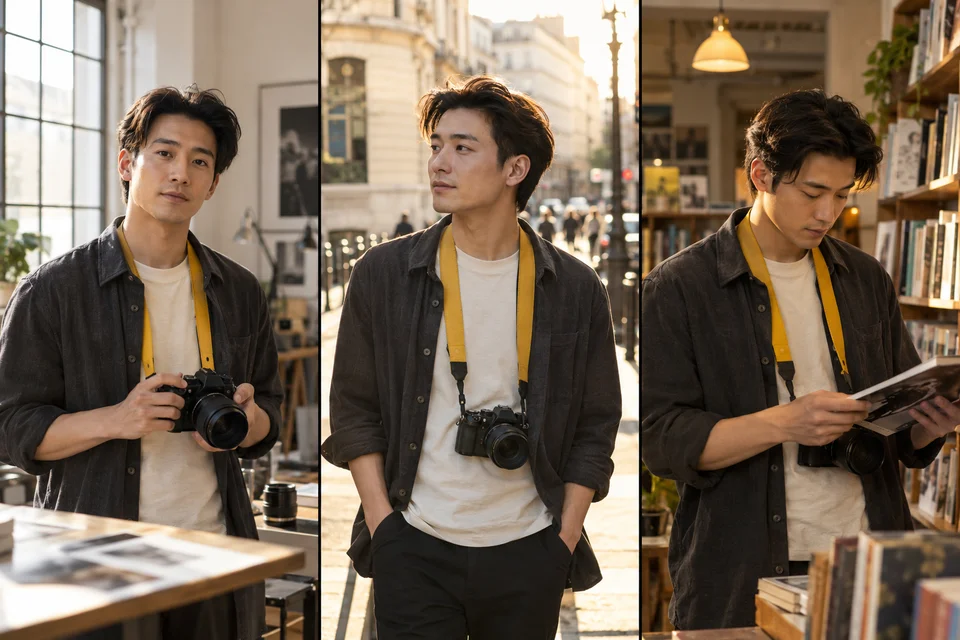
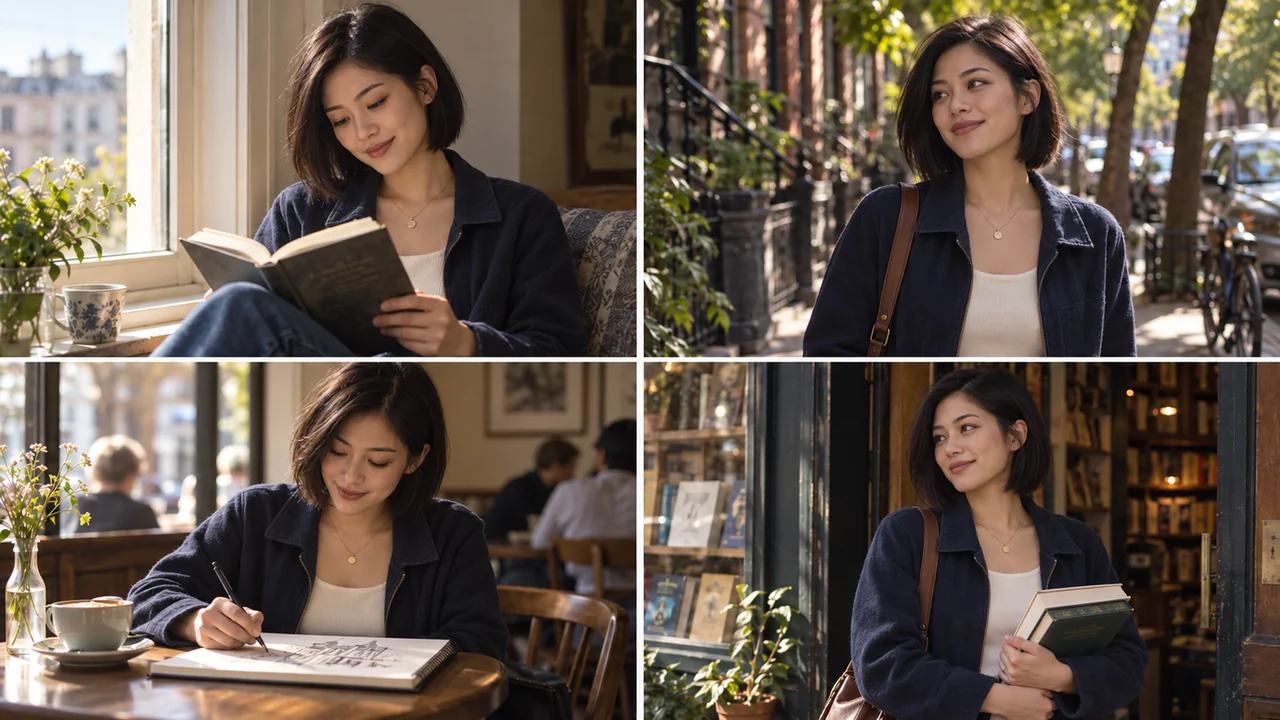
  • Keep a character consistent

    Reuse the same reference and describe the face, outfit and proportions you want to preserve in each scene.

    The same adult male photographer in a studio, on a city street and in a bookshop
    Original examples
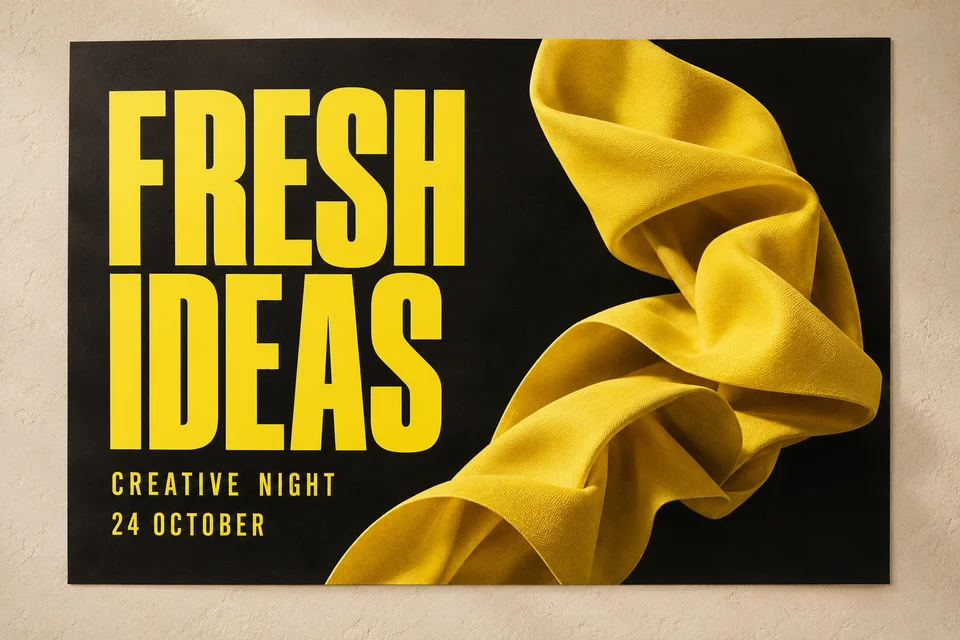
  • Put exact words in quotes

    Quote headlines and labels, describe where they go, then proofread the generated spelling and alignment.

    Black and yellow FRESH IDEAS poster with CREATIVE NIGHT and 24 OCTOBER lettering
    Original examples

Nano Banana workspace plans

Choose a monthly plan or one-time credit pack. Pay securely with Stripe and use your credits in the generator.

Credit packs · one-time

Mini Pack

$2.99

A small one-time top-up

  • 100 credits
  • Nano Banana 2.1 · 1K: up to 12 images at 8 credits each
  • Nano Banana 2.1 · 2K: up to 8 images at 12 credits each
  • Nano Banana 2.1 · 4K: up to 3 images at 28 credits each
  • One-time payment · no auto-renewal
  • Credits are valid for 365 days
Popular

Flex

$10.99

Extra room for active projects

  • 600 credits
  • Nano Banana 2.1 · 1K: up to 75 images at 8 credits each
  • Nano Banana 2.1 · 2K: up to 50 images at 12 credits each
  • Nano Banana 2.1 · 4K: up to 21 images at 28 credits each
  • One-time payment · no auto-renewal
  • Credits are valid for 365 days
Best value

Power

$25.99

The best-value one-time top-up

  • 1,500 credits
  • Nano Banana 2.1 · 1K: up to 187 images at 8 credits each
  • Nano Banana 2.1 · 2K: up to 125 images at 12 credits each
  • Nano Banana 2.1 · 4K: up to 53 images at 28 credits each
  • One-time payment · no auto-renewal
  • Credits are valid for 365 days

Card · Auto-renew

Starter

$7.99/mo

For hobbyists

Card payment · Renews automatically every month

  • 400 credits
  • Nano Banana 2.1 · 1K: up to 50 images at 8 credits each
  • Nano Banana 2.1 · 2K: up to 33 images at 12 credits each
  • Nano Banana 2.1 · 4K: up to 14 images at 28 credits each
  • Private generations
  • Verified AI Image access
  • Generation and credit history
  • Email support
Popular

Creator

$18.99/mo

Best for consistent creators

Card payment · Renews automatically every month

  • 1,100 credits
  • Nano Banana 2.1 · 1K: up to 137 images at 8 credits each
  • Nano Banana 2.1 · 2K: up to 91 images at 12 credits each
  • Nano Banana 2.1 · 4K: up to 39 images at 28 credits each
  • Everything in Starter
  • More monthly generations
  • Lower cost per credit
  • Email billing support
Best value

Pro

$44.99/mo

For production workflows

Card payment · Renews automatically every month

  • 2,800 credits
  • Nano Banana 2.1 · 1K: up to 350 images at 8 credits each
  • Nano Banana 2.1 · 2K: up to 233 images at 12 credits each
  • Nano Banana 2.1 · 4K: up to 100 images at 28 credits each
  • Everything in Creator
  • Highest monthly credit allowance
  • Lowest cost per credit
  • Generation and credit history

Estimates use the current single-image quote and count requests, not guaranteed usable artwork. Edits and retries consume credits; review the quote before submitting. Signup and daily rewards, including expiry, are shown in your account. Refund Policy · Manage or cancel renewal

Nano Banana 2.1: model, workspace and recorded examples

Nano Banana 2.1 is Google’s image model; this website is an independently operated service, not Google AI Studio. The workspace offers text-to-image and reference editing, aspect ratios, 1K/2K/4K and batch outputs. A single 2.1 image uses 8/12/28 site credits at these resolutions; output count multiplies the quote. Google’s broader model capabilities do not mean every API option is exposed here.

These operator tests ran on 13 October 2026, once per case, without retries or manual retouching. Successful requests are not a guarantee of usable artwork. Inspect the originals, prompts and input files below.

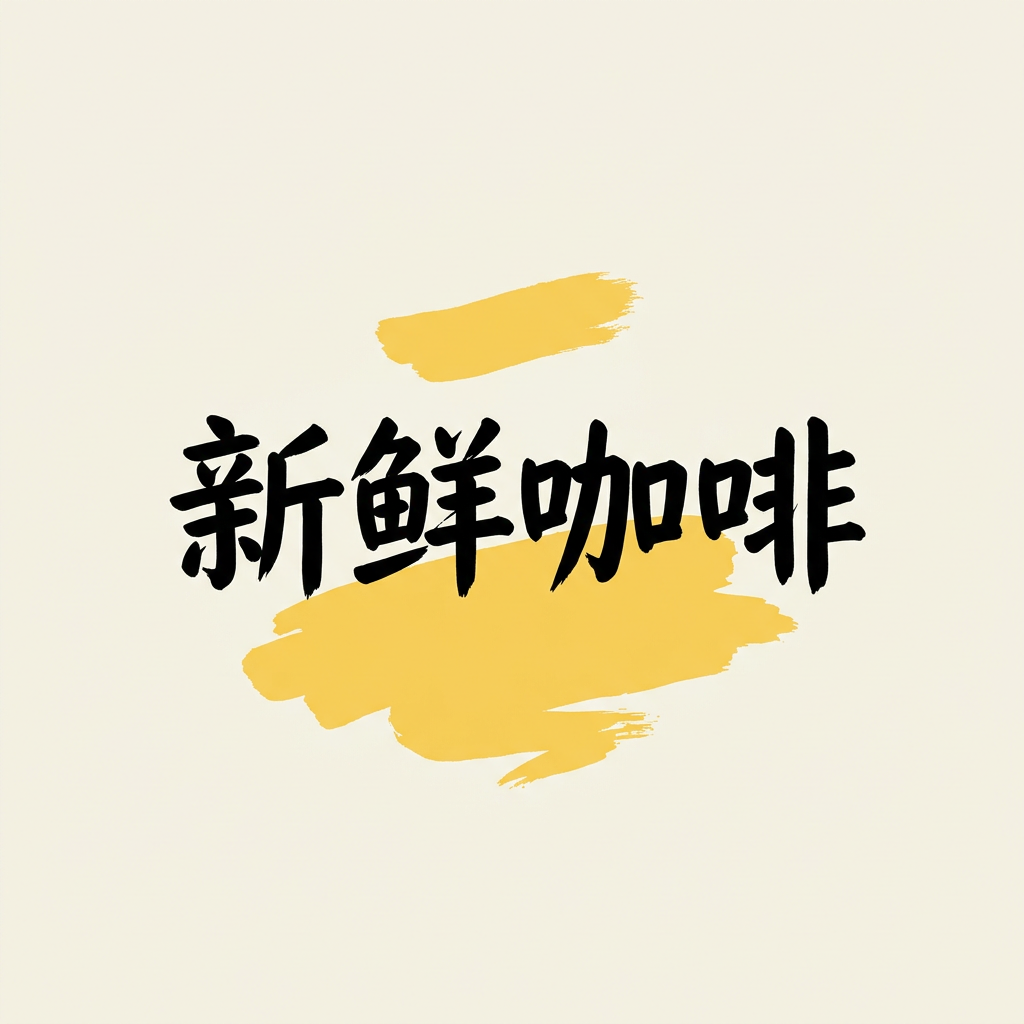
NB-05: The headline reads 新鲜咖啡, with no additional words observed. This checks four characters, not long-form Chinese typography.
NB-05 · 2026-10-13 · 1024 × 1024
1:1 · 1K · 8 site credits

The headline reads 新鲜咖啡, with no additional words observed. This checks four characters, not long-form Chinese typography.

Inspect original PNG
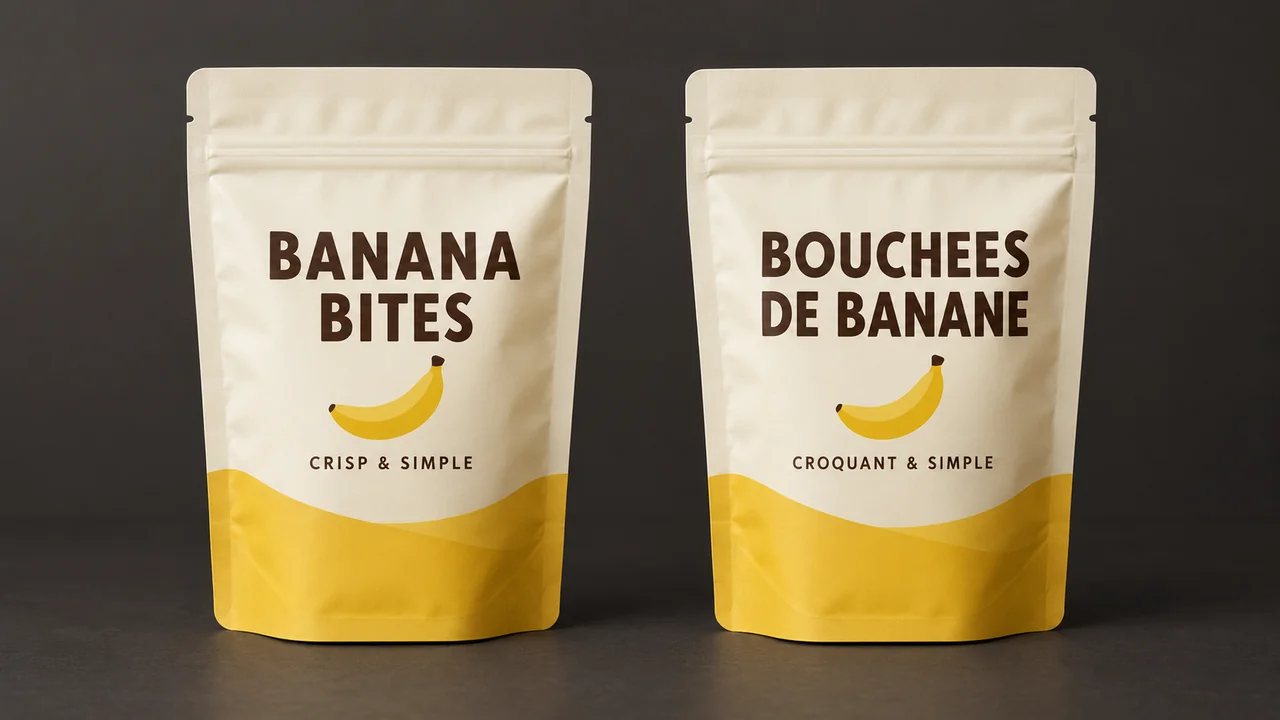
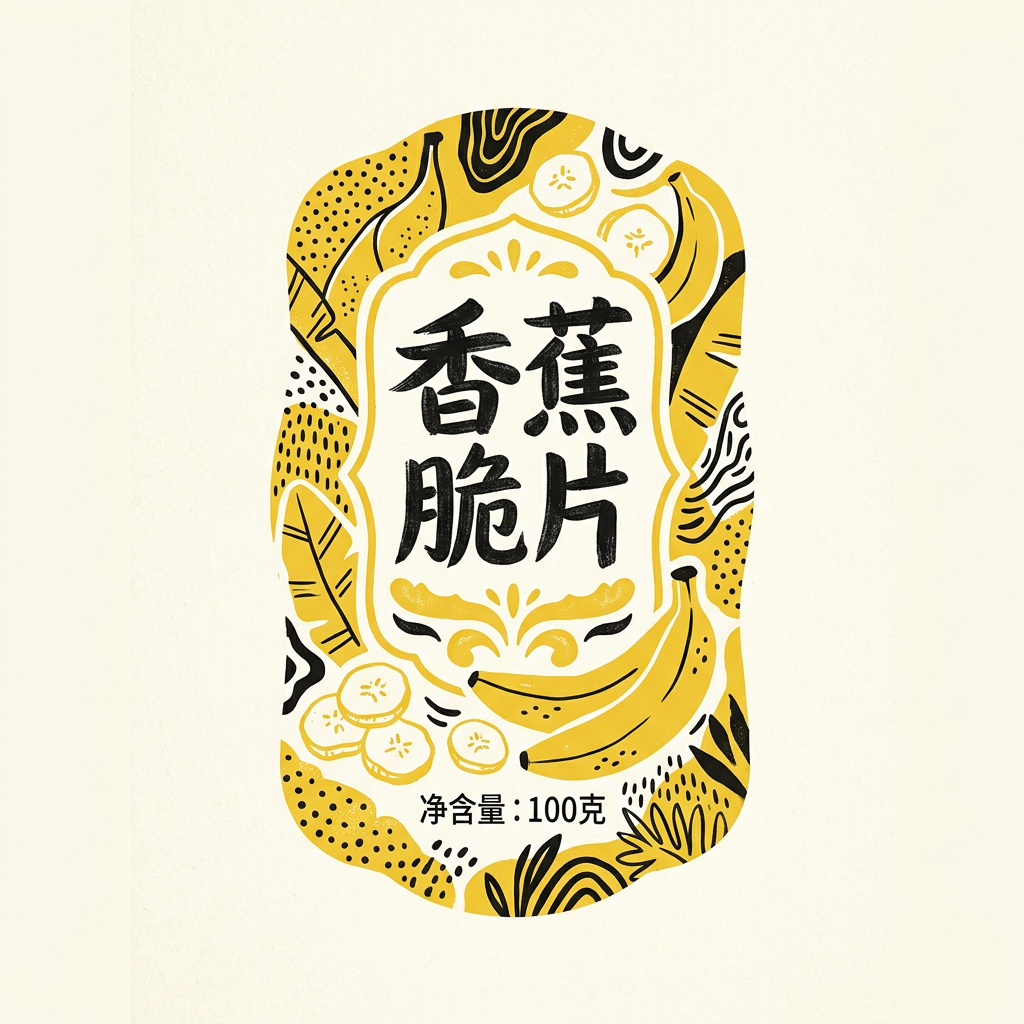
NB-07: The fictional snack label reads 香蕉脆片 and 净含量:100克, with spacing/punctuation differences. This is an illustration, not proof of print-ready packaging or regulatory label compliance.
NB-07 · 2026-10-13 · 1024 × 1024
1:1 · 1K · 8 site credits

The fictional snack label reads 香蕉脆片 and 净含量:100克, with spacing/punctuation differences. This is an illustration, not proof of print-ready packaging or regulatory label compliance.

Inspect original PNG
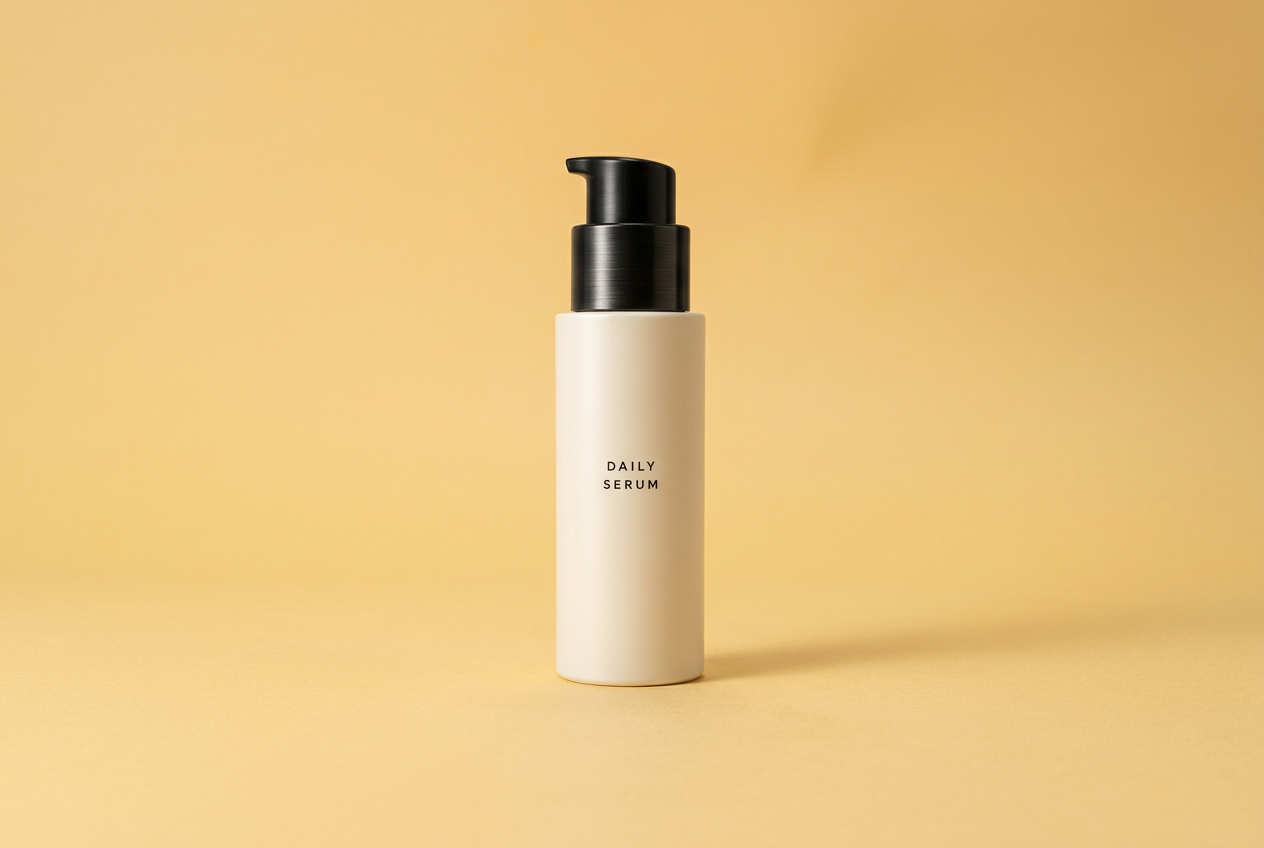
NB-16: The ivory bottle remains against a warm yellow backdrop. The result is opaque: background replacement does not produce a transparent cutout. Compare label, cap and outline to the input before delivery.
NB-16 · 2026-10-13 · 1264 × 848
3:2 · 1K · 8 site credits

The ivory bottle remains against a warm yellow backdrop. The result is opaque: background replacement does not produce a transparent cutout. Compare label, cap and outline to the input before delivery.

Inspect original PNG
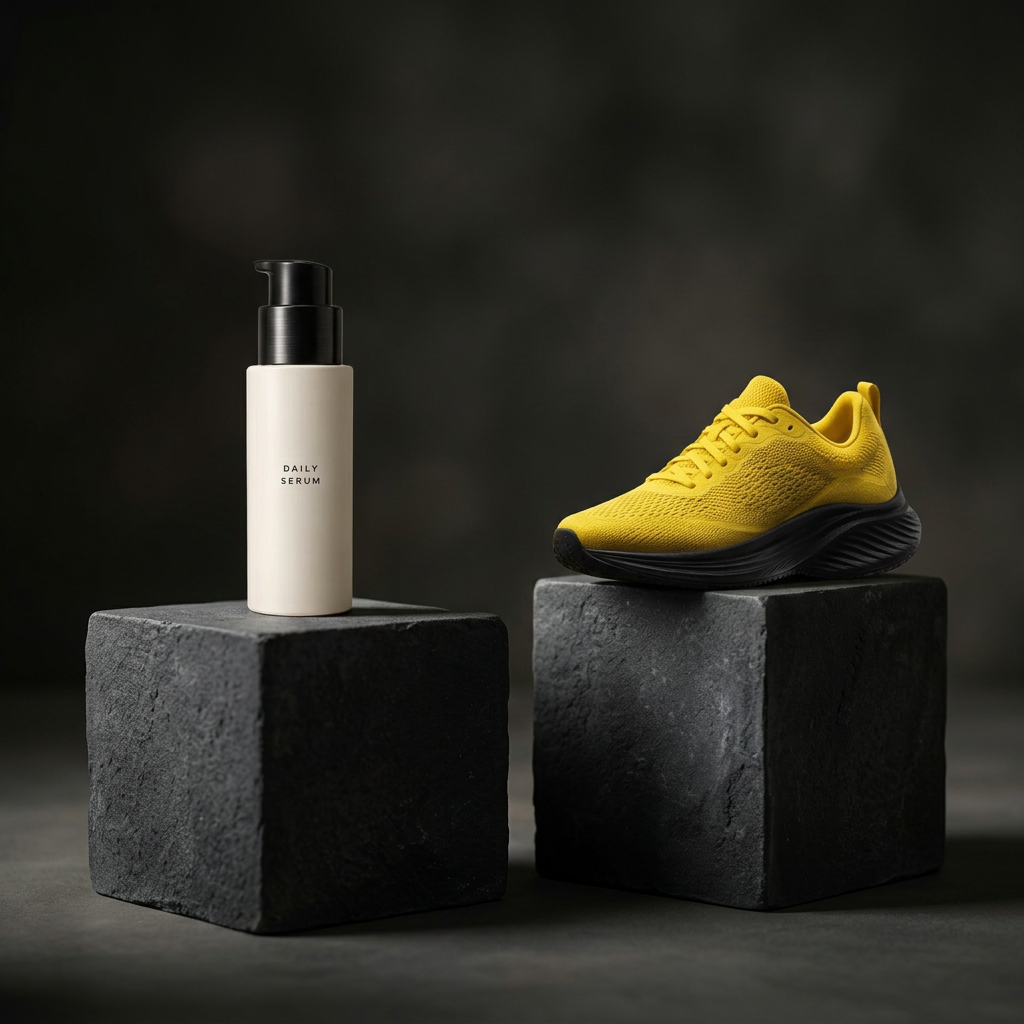
NB-17: Bottle and shoe remain distinct on separate pedestals. Recognizable details do not establish pixel-exact preservation. Two references were re-encoded for the actual submission; the manifest records their original order.
NB-17 · 2026-10-13 · 1024 × 1024
1:1 · 1K · 8 site credits

Bottle and shoe remain distinct on separate pedestals. Recognizable details do not establish pixel-exact preservation. Two references were re-encoded for the actual submission; the manifest records their original order.

Inspect original PNG

Google: Nano Banana 2.1 · fal: editing schema · Google: lifecycle

FAQ

Nano Banana 2.1 questions

Can I generate Nano Banana 2.1 images here now?

This workspace is configured for Nano Banana 2.1 text-to-image and reference editing. Check live availability in the generator, sign in and review the quote. A single 1K request uses 8 credits; completed images are saved to your account.

Is Nano Banana 2.1 free?

Prompt preparation is free. Generation uses the credits shown before submission. Check your account for available signup or daily rewards; unlimited free generation is not included.

Is Pro the same model as 2.1?

No. They are separate model choices. Compare the same task, references, supported settings and actual quote before selecting one.

How do I write a prompt with readable text?

Provide the exact wording in quotation marks, specify its location and keep the number of text blocks small. Inspect every letter at the final size; use editable manual text for critical labels.

Can I use it for scientific figures?

Use the workflow for conceptual schematics and explanatory illustrations. Create measured charts from your real data, then have a subject expert review relationships, labels and the final caption.

Is Nano Banana 2 shutting down on October 29?

That date is not announced for gemini-3.1-flash-image in the official table reviewed on October 10, 2026. Check the linked lifecycle documentation before planning a forced switch.

Ready when you are

Bring your idea. Shape the picture.

Write a clear prompt, add the references that matter, and choose a model for your next image.

Start generating